
Blog
Privacy →Parental Control App in Hindi, Tamil, Telugu, Kannada and Malayalam: Screen-Time Management in Your Language
CuriOra’s website and Parent app are available in English, Hindi, Tamil, Telugu, Kannada and Malayalam. See the Free plan and how to switch language.
Quick answer
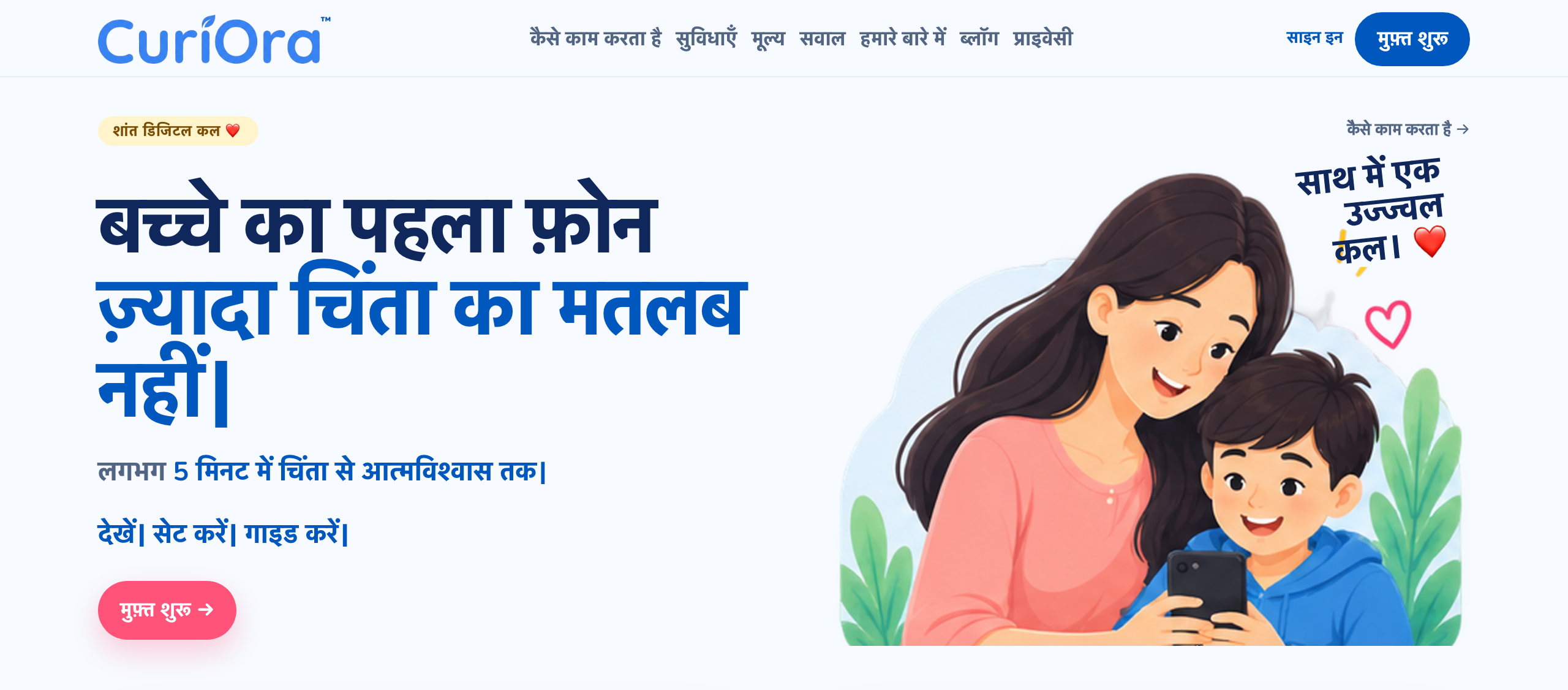
CuriOra’s website is available in six languages: English, Hindi (हिन्दी), Tamil (தமிழ்), Telugu (తెలుగు), Kannada (ಕನ್ನಡ) and Malayalam (മലയാളം). You can switch language from the links in the site menu or footer.
Today the website, Parent app, and Kids app screens are translated in these six languages. Help Center menus are in all six; full Help guides are in English, Hindi, Tamil and Kannada (Telugu and Malayalam Help articles currently use English text). Push notifications are not translated yet.
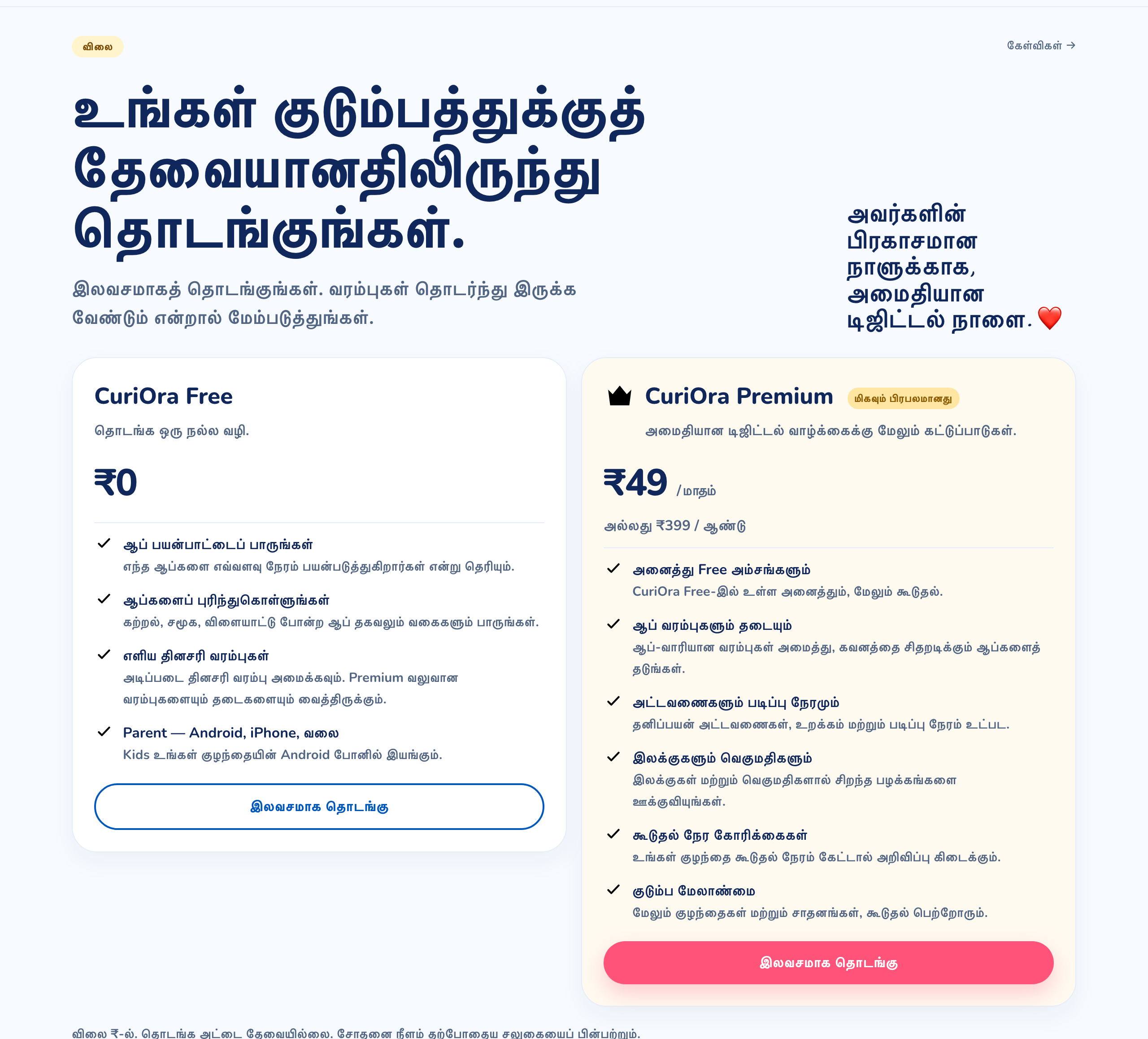
The Free plan (₹0) shows app usage, a simple daily limit, and extra-time requests for one child and one device. Premium (₹49 per month or ₹399 per year) adds app-wise limits and blocking, study and bedtime schedules, goals and rewards, and family management.
Why language matters for parental control
Most parents know screen time is a problem. The harder part is setting up and explaining the rules. A parent who speaks Tamil or Hindi at home may be comfortable with a phone but not with English settings, and a parental control app only works if the person using it understands what each switch does.
That is why we offer CuriOra in the languages Indian families use at home, not only in English.
Languages available
| Language | Site version |
|---|---|
| English | curiora.in |
| हिन्दी (Hindi) | curiora.in/hi |
| தமிழ் (Tamil) | curiora.in/ta |
| తెలుగు (Telugu) | curiora.in/te |
| ಕನ್ನಡ (Kannada) | curiora.in/kn |
| മലയാളം (Malayalam) | curiora.in/ml |
How to switch language
On the website
- Open curiora.in on your phone or computer.
- Find the language names in the menu (on a phone) or at the bottom of the page.
- Tap your language. The page reloads in that language, and the links you follow from there stay in it.
In the Parent app
- Open CuriOra Parent on Android, iPhone, or the web app.
- On Sign in, use the language menu at the top of the screen.
- After you sign in, open Profile, then App language, and pick Hindi, Tamil, Telugu, Kannada or Malayalam.
In the Kids app
Kids follows the language of the child’s phone. If the phone language is Hindi, Tamil, Telugu, Kannada or Malayalam, Kids uses that language. There is no language picker inside Kids today.
What you can do with CuriOra
Here is what each plan includes, so you know what to expect before you start.
On the Free plan (₹0)
- See which apps your child uses and for how long.
- See app information and categories such as learning, social and games.
- Set a simple daily limit.
- Approve extra-time requests when your child asks.
- Use the Parent app on Android, iPhone or the web.
On Premium (₹49/month or ₹399/year)
- App-wise limits and blocking of distracting apps.
- Study Mode and custom schedules, including bedtime.
- Goals and rewards that help children earn extra time.
- More children and devices, plus co-parent access.
No card is needed to start, and trial length follows the current offer. Check the pricing page for the latest details.
How it works at home
A simple routine tends to work better than a long list of rules:
- Look first. For a few days, just see which apps take the most time.
- Agree on limits together. Pick a daily limit and explain why it exists.
- Protect two times of day. Homework and bedtime are the usual ones.
- Let your child ask. An extra-time request gives them a say, and gives you a calm moment to decide instead of an argument.
- Review it every few weeks and loosen the rules as your child shows responsibility.
Enough to guide. Not enough to spy.
CuriOra shows app names, durations and usage patterns. It does not read chats, watch inside apps or record calls. See our privacy overview for details.
Getting started in five minutes
- Install CuriOra Parent on your phone (Google Play or App Store), or use the web app.
- Install CuriOra Kids on your child’s Android phone (Google Play).
- Pair the two with the short code shown in the Parent app. Our setup guide walks through it step by step.
What to know before you start
- Child-device enforcement is Android-only today. The Parent app works on Android, iPhone and web, but the Kids app for iPhone is planned, not available yet.
- Some features are Premium. App-wise limits, schedules, goals, extra children or devices, and co-parent access need Premium or a trial.
- No app is a permanent lock. Permissions and phone-maker restrictions can affect enforcement, and uninstall protection is not absolute.
Frequently asked questions
Which languages does CuriOra support?
The CuriOra website, Parent app, and Kids app screens are available in English, Hindi, Tamil, Telugu, Kannada and Malayalam. Kids follows the child’s phone language. Help Center menus match those languages; full Help guides are in English, Hindi, Tamil and Kannada.
Is there a parental control app in Hindi or Tamil?
Yes. You can use CuriOra’s website and Parent app in Hindi or Tamil today. Kids also uses Hindi or Tamil when the child’s phone is set to that language.
Can my child ask for extra screen time?
Yes. Children can request more time and parents approve or decline. Extra-time requests are included on the Free plan.
Is CuriOra free?
Yes. The Free plan is ₹0 for one child and one device and includes app usage, app categories, a simple daily limit, and extra-time requests. Premium costs ₹49 per month or ₹399 per year. See the pricing page for the latest terms.
Does CuriOra read my child’s messages?
No. CuriOra shows app names, usage duration and usage patterns. It does not read private chats, watch inside apps or record calls.
Does CuriOra work on iPhone?
The Parent app works on iPhone. The Kids app, which applies the rules on your child’s phone, is Android-only for now.
Final thoughts
Healthy screen-time habits start with parents who understand their tools and feel confident explaining the rules. Offering CuriOra in more languages is one way to make that easier. Start with what you can see, agree on limits together, and adjust as your child grows.
Start Free with CuriOra · Features · Pricing · Privacy · How it works